Sound scene ideas

Explore mmaudio examples free from access assumptions

Use these sound-scene ideas to plan an audio pass for a short video. The prompts are examples to adapt, not a promise that any particular service offers free generation or reproduces the pictured scene.

Check access terms at the destination
Mmaudio landing illustration

the audience's existing pipeline

A typical edit begins with picture, a list of audible events, and a rough sound reference. These cards turn that list into prompts you can copy and revise.

prompts.log
  1. 1
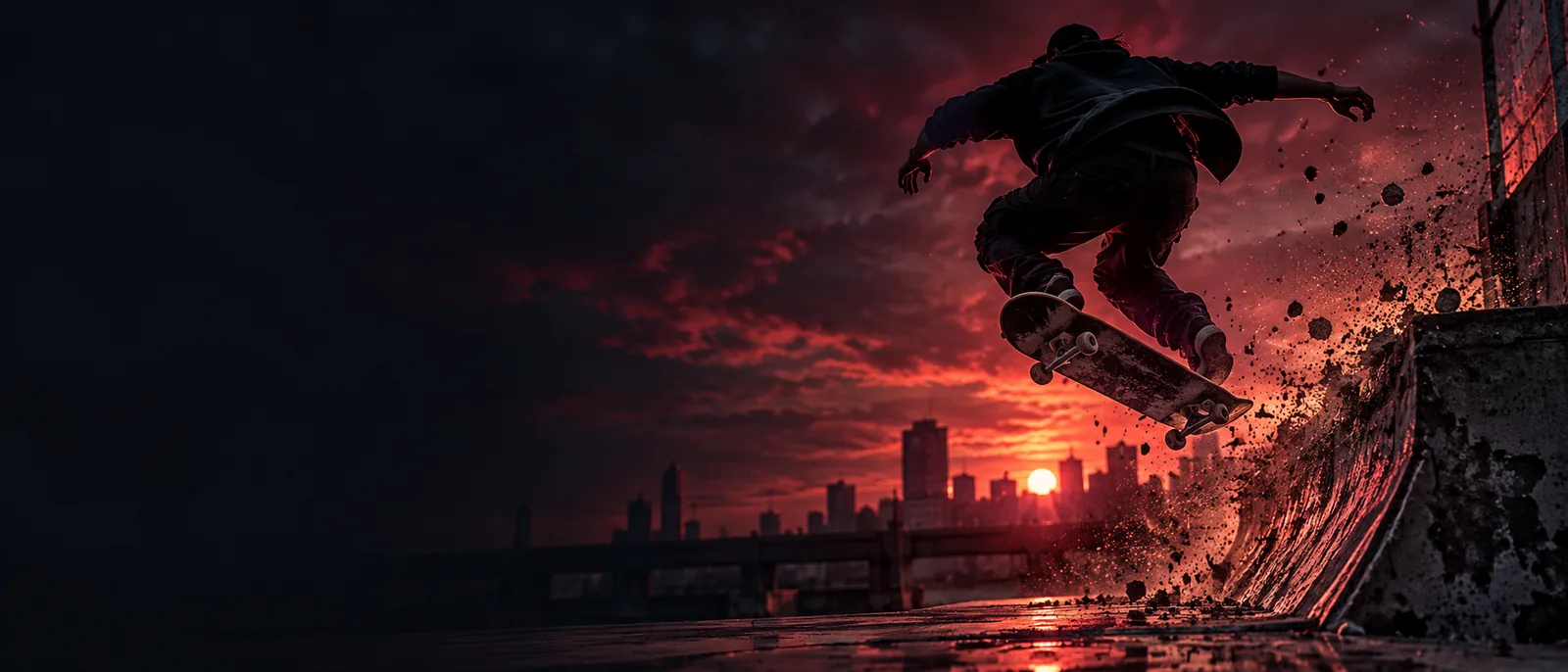
    A skateboard rolls across concrete, lands with a sharp clack, then fades into a quiet outdoor ambience.
    Scene brief · rolling texture, impact, ambience
  2. 2
    A sheet of ice cracks in several quick snaps, followed by a low creak and small pieces shifting across the surface.
    Scene brief · sharp transients, low texture
  3. 3
    Footsteps move through a busy night market; nearby voices blur together beneath a soft electrical hum.
    Scene brief · foreground action, background ambience
First Mmaudio example image illustrating a scene prompt 1 Movement
Second Mmaudio example image illustrating a scene prompt 2 Material
Third Mmaudio example image illustrating a scene prompt 3 Location

These are editable prompt ideas paired with site imagery, not verified records of the prompts that produced those images.

where we slot in

A scene prompt is most useful after you know what the viewer should hear, but before you commit to an audio track. Keep picture timing and final mixing in your editing workflow.

Short-form video editor

A cut shows a landing, but the source recording has wind and no clear impact.

Draft a prompt for the roll, landing, and surrounding air as separate audible cues. The mmaudio for sound effects guide explains how to identify a scene's key sound before writing the prompt.

mmaudio for sound effects

Animator

A silent material test needs a recognizable crack without a music cue.

Describe the material, the first snap, and the quieter movement that follows. The mmaudio for sound effects guide covers why a specific event is easier to evaluate than a vague mood.

mmaudio for sound effects

Location filmmaker

Dialogue is clean, but the edit lacks a sense of the street outside the frame.

Prompt for a restrained ambience and keep speech intelligibility as a separate mix decision. The mmaudio for sound effects guide shows how to distinguish foreground events from background texture.

mmaudio for sound effects

before/after

The useful change is from a loose request to a testable sound brief. Neither version guarantees a particular generated result.

Choose this when

Before: the note says only “add city noise.”

After: name nearby footsteps, distant voices, and a steady low traffic bed.

The revised brief gives an editor distinct elements to listen for. If the result is too crowded, remove one layer rather than rewriting the entire scene.

Choose this when

Before: the note says only “make the landing sound real.”

After: specify wheels on concrete, one sharp board impact, and a short outdoor tail.

Order matters when picture shows an action. A prompt that separates approach from impact makes timing problems easier to spot.

Choose this when

Before: the note says only “creepy ice.”

After: request quick surface snaps, a lower creak, and sparse movement afterward.

Material and sequence are more concrete than mood alone. Compare any result against the image and replace sounds that suggest the wrong scale or setting.

deliverable spec

Take a sound brief into your next edit

Keep the scene, audible events, and their order in one short prompt. After generation, listen against the picture: check whether the main event lands at the right moment, whether the background competes with dialogue, and whether the tail cuts off unnaturally. Access terms, available controls, output formats, and usage rights depend on the destination service; verify them there before relying on an output.

Try a scene prompt
  • Describe what happens, not just the mood
  • Separate foreground action from ambience
  • Review timing and rights before publishing

scenario FAQ

The examples here are prompt ideas, not evidence of a free generation allowance. Check the destination service for its current access terms before submitting a prompt. A pictured example also does not establish the price or rights attached to a new output.

No exact match is promised. The prompts are editable scene briefs, and the pictured examples are not verified prompt-to-output records. Treat each prompt as a starting point, then compare any result with the timing and setting of your own edit.

Name the main action, its material, and the order of audible events. Add background ambience only when it helps establish the scene. For a skateboard landing, rolling wheels, the impact, and the outdoor tail give you clearer points to review than “realistic skate audio.”

Play it against the picture rather than judging it in isolation. Check the onset of the main event, the perceived distance of each sound, and whether ambience masks speech. If one element is wrong, revise that part of the brief first.

Start creating
Start creating